Quick answer
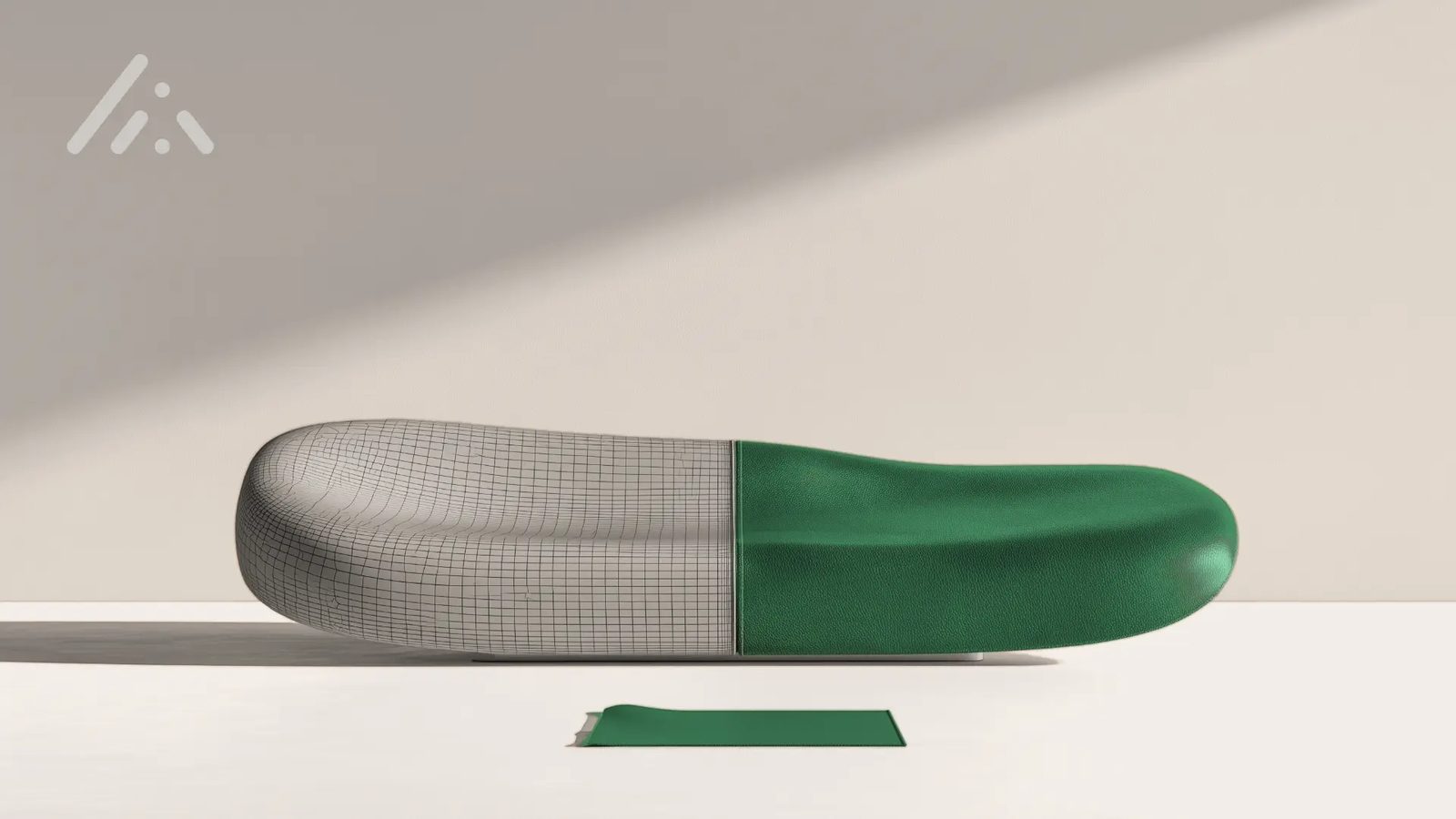
A Rhino model can carry its real material and its real color as soon as that data has been captured: the material from the physical sample, the color from a measured standard. When geometry, captured material and measured color come together in one system, the model leaves as one asset for design reviews, renderings, configurators and PLM. In DMIx, Rhino files import directly through the AppLink to RapidPipeline, SamplR supplies the material and the Color Managed Library supplies the color.
Exact in shape, approximated in presentation
You built the sole, the frame or the shell to a tenth of a millimeter. Then it has to be shown: in a design review, as a rendering for a customer, in a web configurator, on a product page. At that moment the model needs a material and a color, and the quickest source is whatever happens to be at hand, usually a texture from the render library or a shade nudged into place on the screen in front of you.
That shortcut makes sense. Real materials sit in a sample drawer, real colors live on a reference card or in a supplier's specification, and neither turns up in a form a Rhino scene can use. With a review on Friday, approximating is the sensible call.
The cost shows up later, when a review settles on a leather grain that does not exist or a configurator shows a shade the mill has never dyed. By then the fix has moved off the screen and onto the physical sample.
Once the data exists, the file can carry it
Rhino handles physically based materials and defined colors without complaint, so the gap sits upstream: the data has to exist before anything else, and it comes in two kinds, captured in two different ways.
Appearance is one kind: texture, structure, gloss and surface. It is captured from the physical sample under controlled light and stored as a PBR texture set that a renderer can use as it is.
Color is the other. It needs a defined value that means the same thing at the mill, in the review and on the product page, and that value comes from spectral measurement of the physical color, independent of how any screen shows it.
Because two different instruments do the capturing, the workflow keeps material and color apart until they meet on the model. Once both exist, neither has to be guessed.
Where geometry, material and color meet
Bridging construction and presentation comes down to one place where the three inputs arrive and leave again as one production ready asset. That place, for us, is DMIx, and the three inputs get there like this:
- Geometry: your Rhino files import into DMIx through the AppLink to RapidPipeline, with no export step in between. During import the surface is tessellated into a mesh, UVs are generated so a material can be applied, and mesh and PBR textures are reduced to suit the application the model is headed for.
- Material: SamplR captures the physical sample as a standardized digital twin, made up of a PBR texture set, standardized images under four controlled lighting geometries and a behavior video that shows drape and hand feel. One scan takes just over a minute and covers up to A4, and each material keeps its article number and its supplier.
- Color: the Color Managed Library holds measured color standards, so the color on the model is a defined value instead of a match someone made by eye on a monitor. Industry color systems such as Pantone and Archroma are held in the platform as well.
Your eye still makes the call, and the data makes sure that what it chose is what travels on.
From one asset to every presentation
Out of DMIx, the asset goes two ways: to a visual check, and through the API to the systems that present it or order it.
Before anything is rendered or ordered, the model is checked with its real material and color on a color managed screen. From there, the same asset feeds three kinds of systems:
- Renderings: preview images and scenes render automatically from the real time editor, and materials leave in standard formats such as AxF, SBSAR, glTF and GLB for the renderer you already use.
- Configurators and web: the optimized model goes out with its material as glTF or GLB, light enough for a browser.
- PLM and ERP: the material's master data, article number and supplier, travels with the asset, and the DMIx REST API connects it to the systems where products are specified and ordered.
Nothing here asks you to switch renderers. Yours simply gets the real material, from one library and one standard, whether the asset started as a scan or as CAD.
Meet us at Rhino World 2026
Rhino World 2026 brings the international Rhino and Grasshopper community together at the Gran Hotel Rey Don Jaime in Castelldefels, near Barcelona, from 21 to 23 October. We are in the exhibition area with a walkthrough of this workflow, finished examples built from Rhino models, and SamplR on display. Event details and program
If Barcelona is not in your calendar, send us one of your Rhino files instead. We take 60 minutes and run the workflow on your own data.
Next steps
Read how the RapidPipeline step works in detail in DMIx AppLink to RapidPipeline: From 3D-CAD to Real Time 3D, or see what a capture delivers on the SamplR page.
Curious how one of your own models looks in its real material? Talk to us directly and bring the file.
Frequently asked questions
- What do I need to bring a Rhino model into DMIx?
- You need a DMIx workspace with your RapidPipeline account connected through the AppLink, plus the Rhino files themselves. They import directly, without exporting to another format beforehand. For materials you add SamplR, and for color the standards you already work with, measured or taken from an industry color system held in the platform.
- What if my material is larger than A4?
- SamplR stops at A4. For a larger repeat or a panel, the scan becomes the reference a material artist works against in Adobe Substance, and later the reference the finished material is visually checked against.
- Does SamplR measure color spectrally?
- No. SamplR captures appearance: texture, structure, gloss and color as seen under controlled light. Color standards come from spectral measurement with a spectrophotometer and live in the Color Managed Library. In DMIx both meet on the same model.