Quick answer
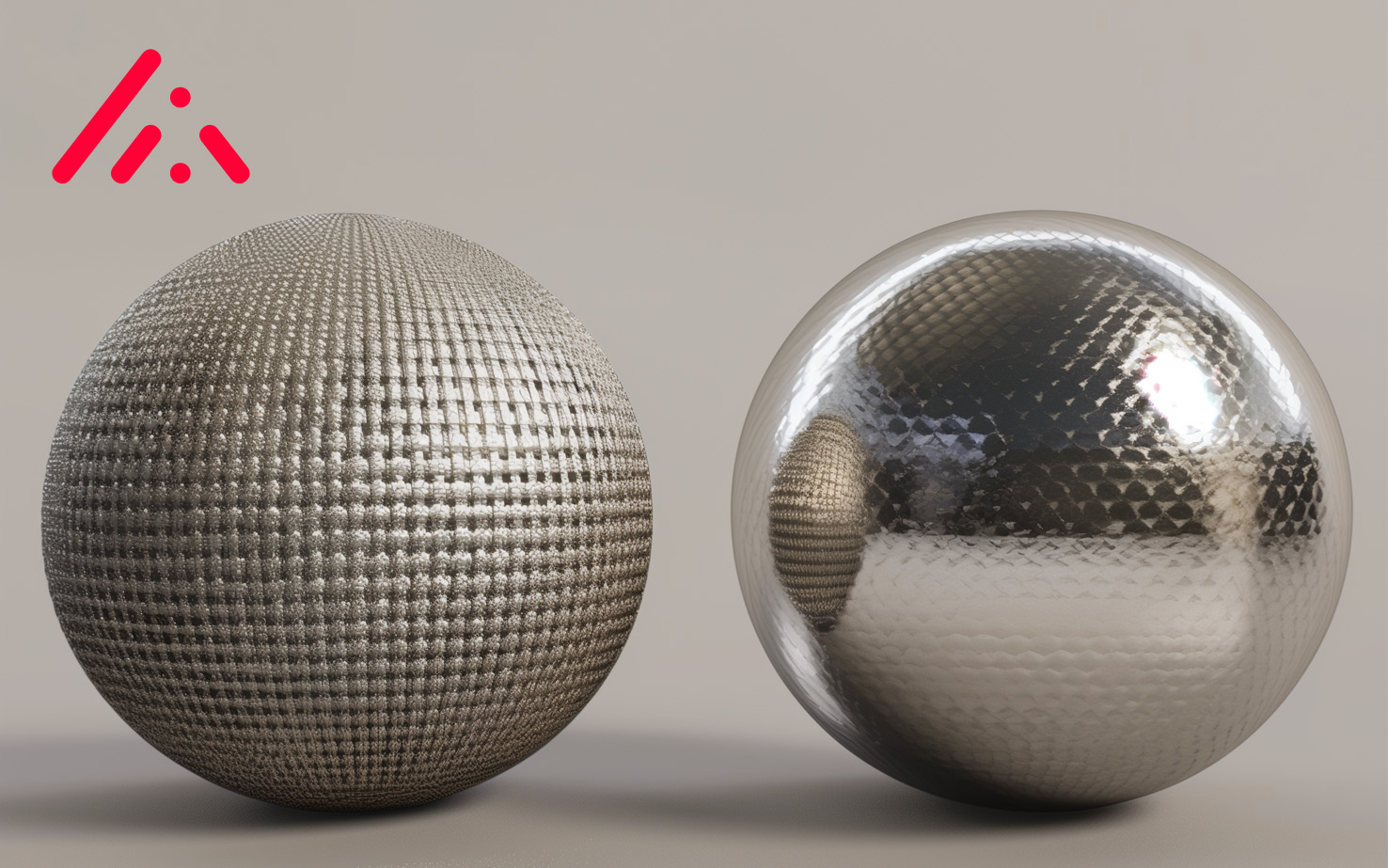
The specular workflow gives precise control over reflections and gloss, ideal for textiles and digital twins. The metalness workflow trades that fine control for a simpler, real-time-friendly setup. DMIx prioritizes specular for digital twins and supports metalness for the rest.
Why this matters in 3D rendering
In Physically-Based Rendering (PBR), the workflow you choose decides how surfaces interact with light, and ultimately whether the rendered material reads as believable. The two dominant methods are the specular workflow and the metalness workflow.
1. Specular workflow
The specular workflow offers high flexibility and precise control over how light reflects off a material. It is well suited for complex, non-metallic materials like textiles.
Key components
- Diffuse map, base color of the material
- Specular map, reflectivity and color of the reflections
- Glossiness map, sharpness or blurriness of the reflections
Advantages
- Greater control over colored reflections
- Fine-tuned light interaction
- Excellent for textiles and digital twins
2. Metalness workflow
The metalness workflow simplifies material creation. It focuses on whether a surface is metallic or non-metallic.
Key components
- Base color (albedo) map, base color of the material
- Metalness map, metal vs. non-metal classification
- Roughness map, surface roughness
Advantages
- Simpler workflow with fewer maps
- Faster setup for real-time applications
- Strong fit for gaming, VR, and general PBR
Why DMIx prioritized the specular workflow
From day one, DMIx focused on true digital twins of materials, requiring the highest fidelity, especially for textiles. The specular workflow gives the level of control needed to capture colored reflections, gloss, and material-specific behavior.
Metalness workflow support in DMIx
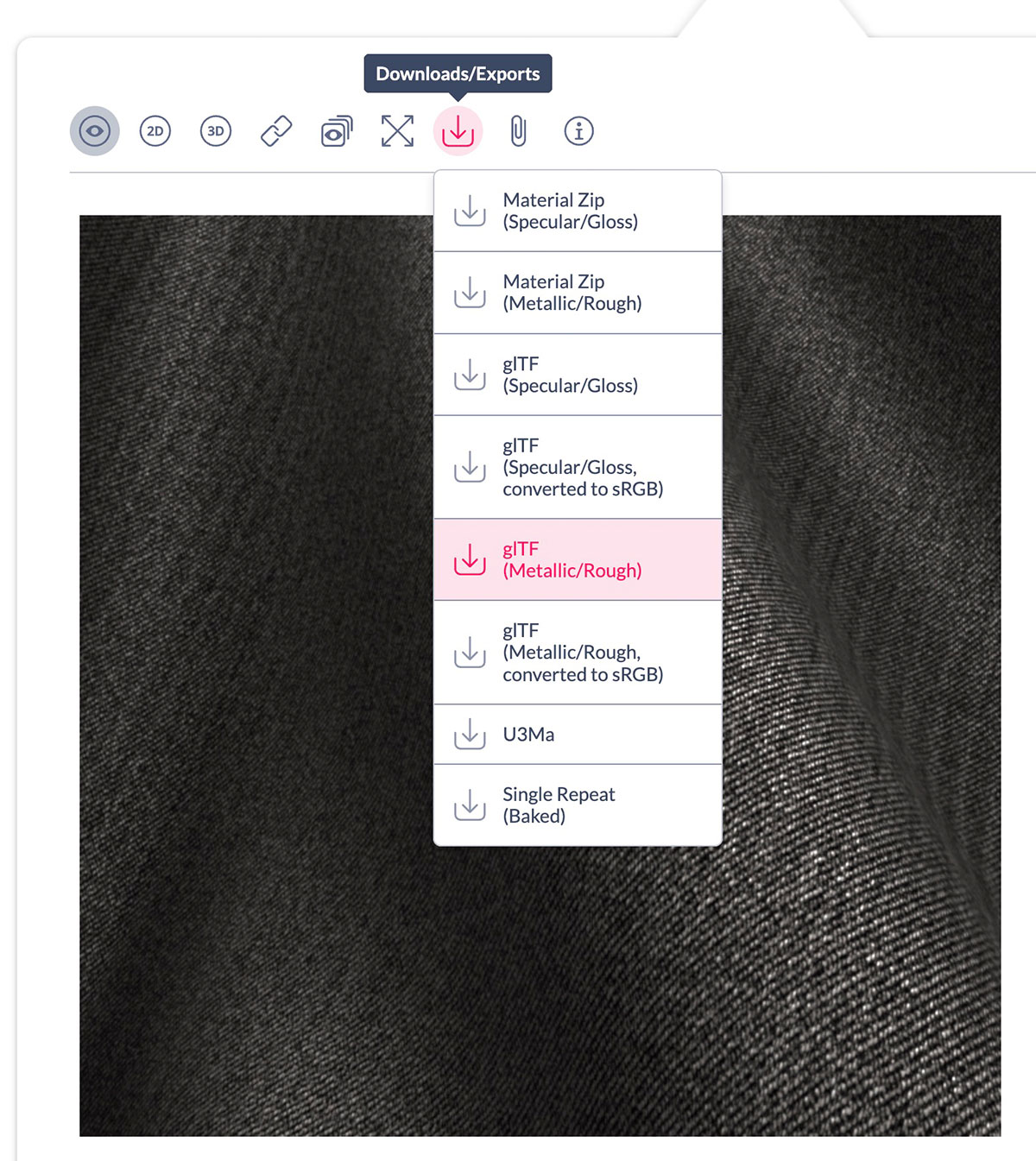
To meet the needs of all users, DMIx fully supports the metalness workflow for industries like gaming, VR, or general PBR applications. The same DMIx asset can travel into both pipelines.
Choosing the right workflow
- Specular workflow, best for rendering textiles and digital twins
- Metalness workflow, simplifies material setup, ideal for real-time applications
Conclusion
By supporting both specular and metalness workflows, DMIx covers the full range of industry needs while keeping its commitment to accuracy and innovation.
Next steps
See DMIx AppLink for the integration with 3D pipelines, or DMIx for Seamless Collaboration for the team workflow.
Frequently asked questions
- What is the difference between specular and metalness workflows?
- The specular workflow defines reflectivity and color of reflections per material with separate maps. The metalness workflow simplifies the model to a binary metal vs. non-metal map, with base color and roughness.
- Why does DMIx prefer specular for textiles?
- Textiles are non-metallic and benefit from precise control over colored reflections and gloss. The specular workflow gives that control, which is essential for true digital twins.
- Does DMIx support metalness too?
- Yes. Metalness is fully supported for gaming, VR, and general PBR pipelines where ease of use and real-time performance matter most.