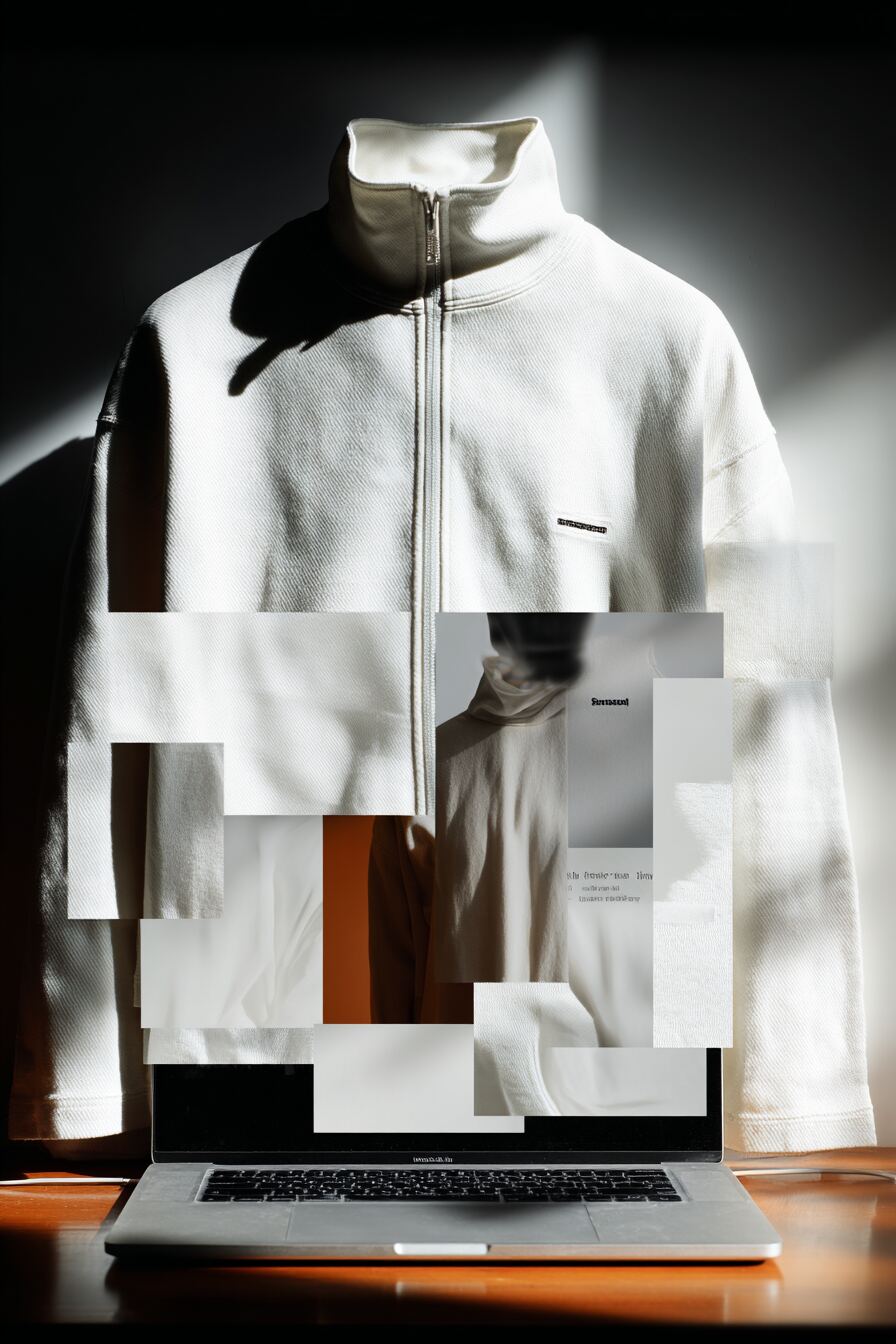
Bulk upload
Thousands of textures, materials and 3D objects in one go with automatic validation.
V-Ray previews, real-time viewer and master data, fed by DMIx SamplR and Vizoo xTex, delivered into CLO3D, Browzwear and Style3D.
A centralized material library for footwear and apparel is one shared source where every material, from leather, mesh and knits to trims and soles, is stored once with its measured color, PBR textures and master data. In DMIx 3D Library, brands, designers and suppliers work from the same color-managed assets: scanned with DMIx SamplR or Vizoo xTex, previewed in V-Ray and delivered into CLO3D, Browzwear and Style3D, PLM and e-commerce.
How to choose a material library platform: 7 criteria →Scan materials straight from the physical sample with DMIx SamplR or Vizoo xTex, or import existing inventories via bulk upload.
Whether scanner or hardware partner, every path lands in the same color-managed library. Content is validated on import, indexed and enriched with master data.
Thousands of textures, materials and 3D objects in one go with automatic validation.
Textures from the scanner flow directly into the library, color-managed, with no intermediate step.
Support for Vizoo xTex hardware, calibrated material scans as native input.
The SamplR scanner sits in the sample room, not in a 3D studio. Anyone can scan, no 3D expertise required. PBR textures, behavior videos and master data land color-managed in the 3D Library, with no intermediate step.
Instead of physical sample rounds between brand, supplier and studio, you get a verified asset within minutes, ready for renders, CAD and sales use.
Every step in the library is color-accurate, from physical sample to finished V-Ray image. The digital material looks like the real one, in design, sales and e-commerce.
Every texture and every scene has a V-Ray preview and a real-time 3D viewer in the browser. Sales, buying and partners inspect materials, rotate, zoom and compare variants, without ever opening a 3D tool.
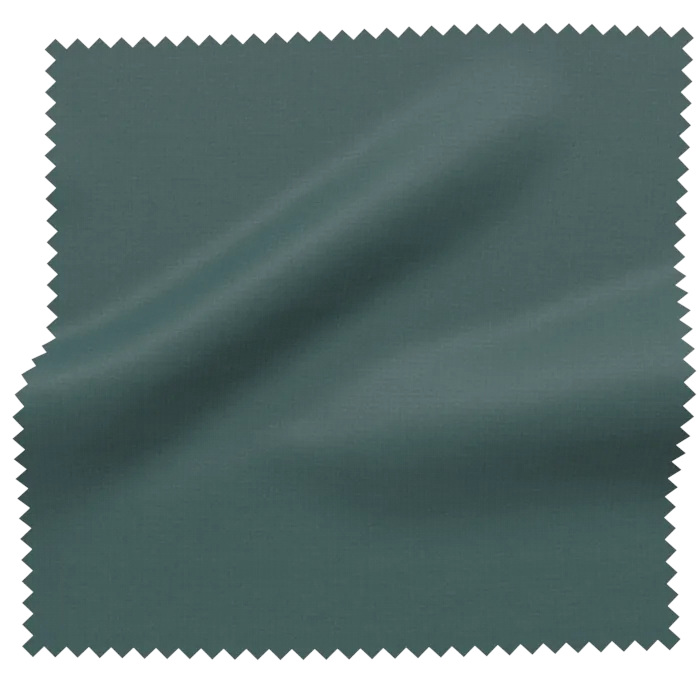
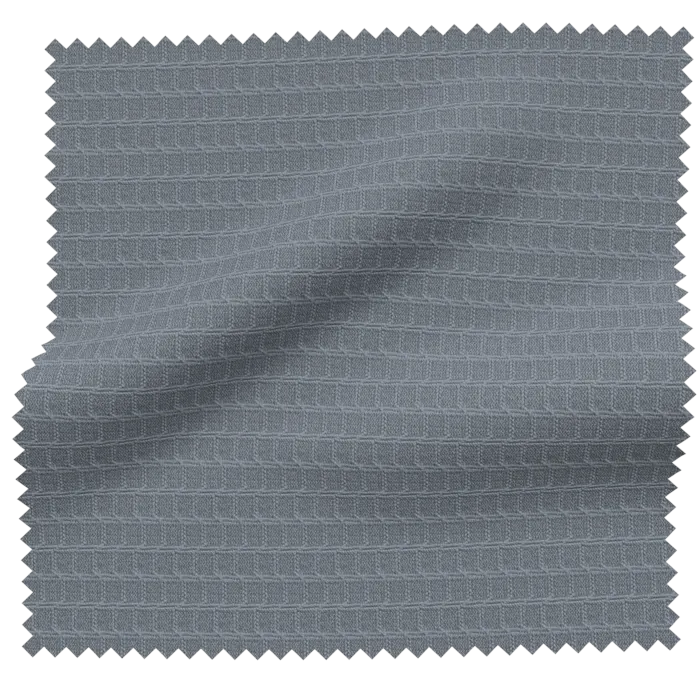
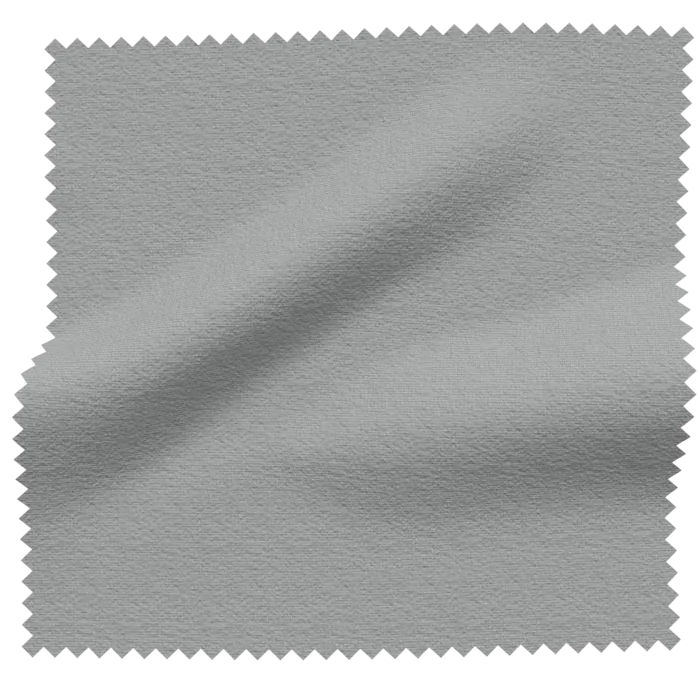
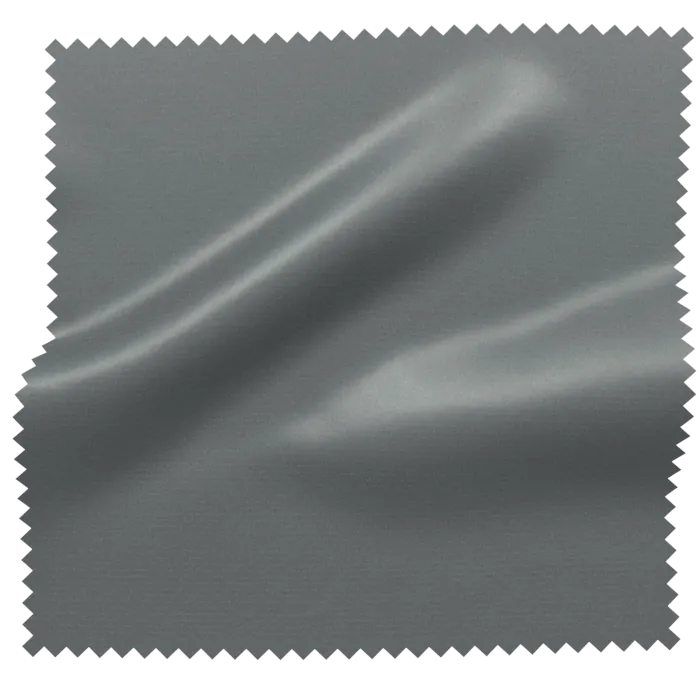
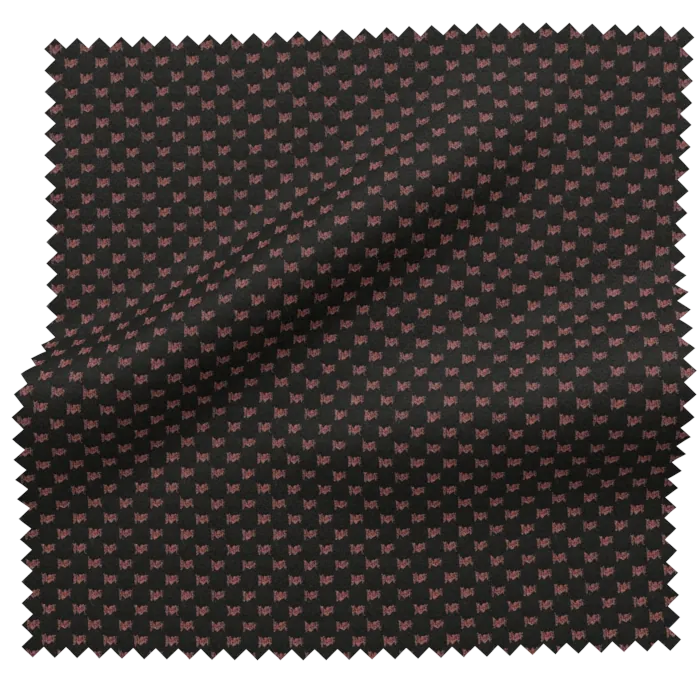
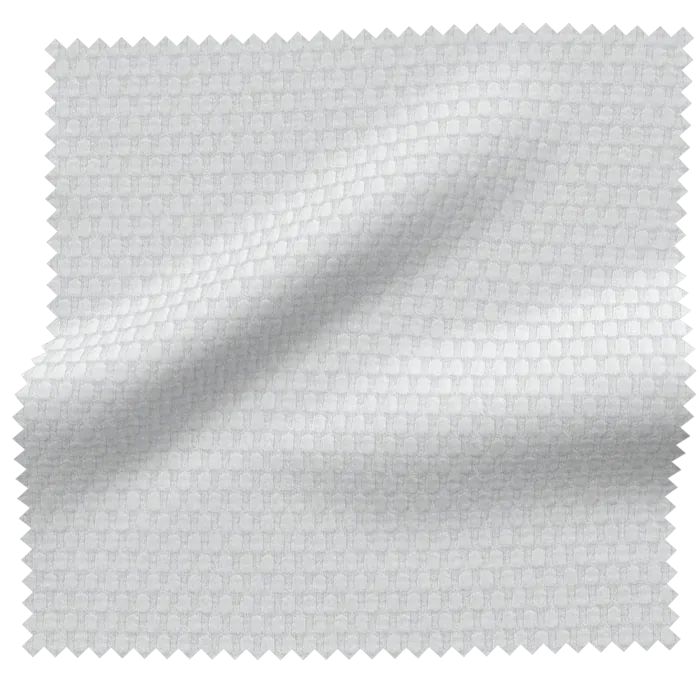
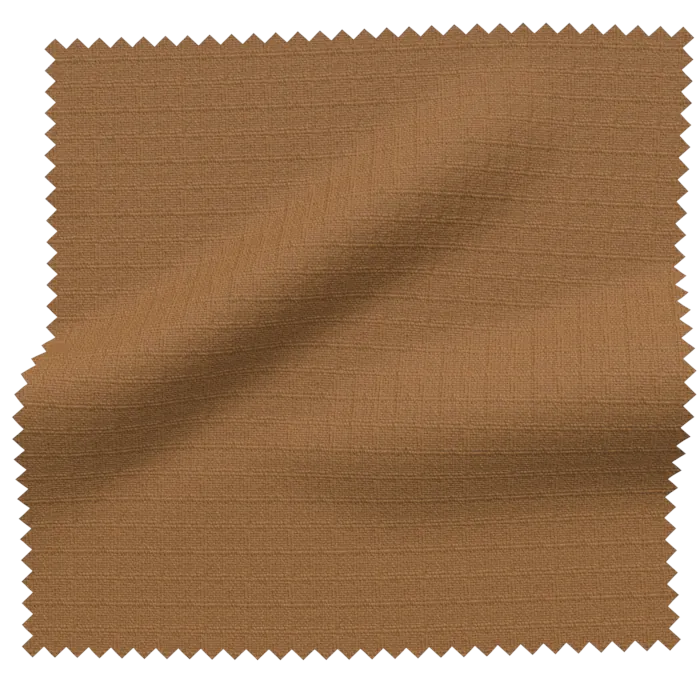
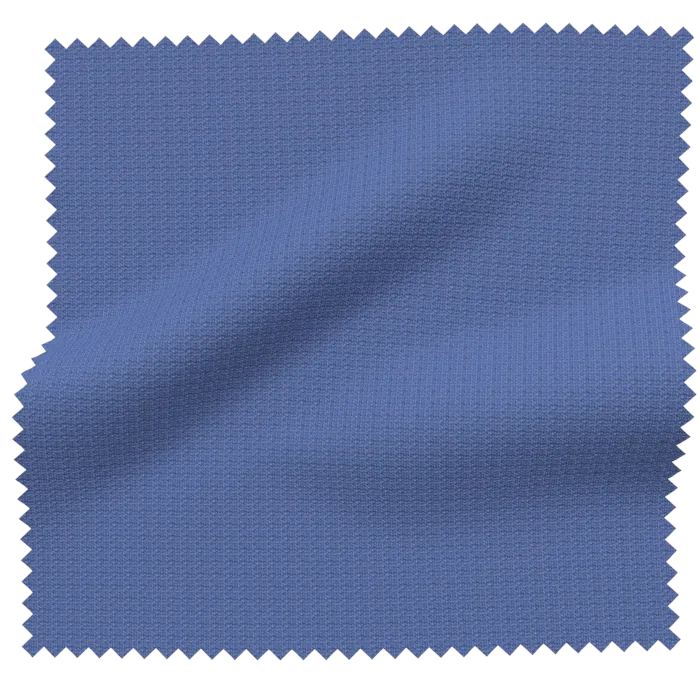
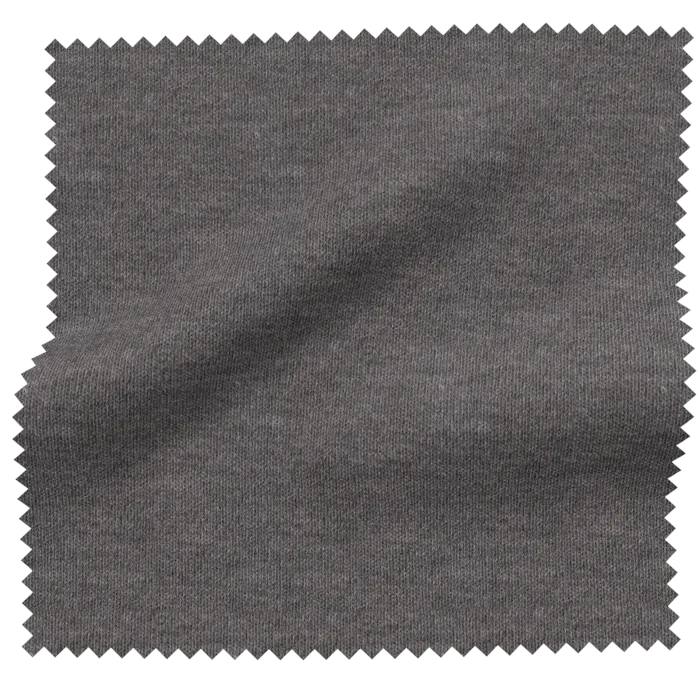
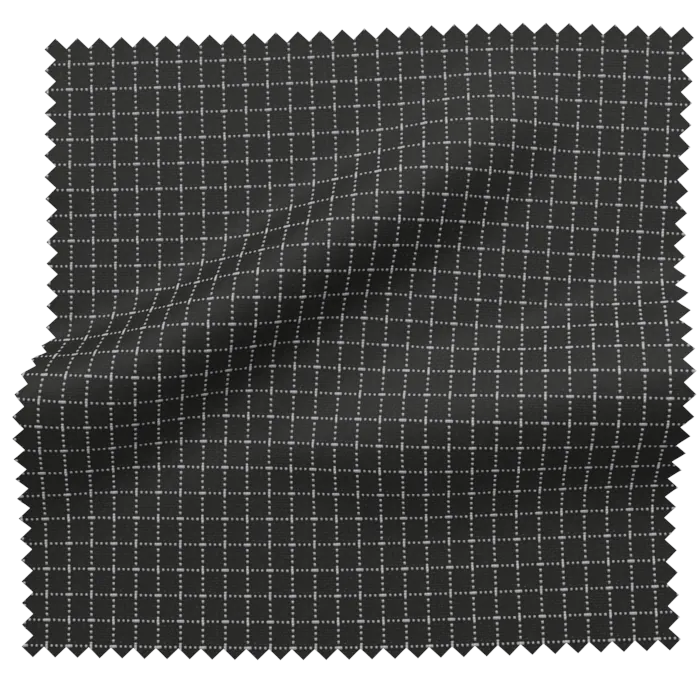
One material, validated once. Usable everywhere.
On import every texture is automatically scaled to the physical size of the sample and indexed by color, material and master data. Search and filter replace folder archaeology.
Folders, collections and complete scenes with multiple objects and textures, all reusable. Built once, deployed in many contexts.
Classic structure for teams, seasons or suppliers, with rights and audit.
Curated sets for capsules, pitches, reviews, independent of physical storage location.
Complete outfits, configurator stages, material setups, as reusable 3D scene.
Assets reach users, groups and connected companies through Company Connect, under control. Through the partnerships with CLO3D, Browzwear and Style3D, materials land straight inside the designers' 3D CAD tools. Variable downloads for different tools, with rights and audit log. Through the API, assets flow on into PLM, PIM, DAM, configurators, AR and e-commerce.
Storage, search and access rights are table stakes. The article covers what decides whether a material library still holds up in its third season: measured color, one standard, orderable materials, 3D, supplier access, PLM and an exit path.
Read the deep dive on the blog →Gut feeling becomes measurable product reality.
We show you DMIx on your data, no generic pitch.
We use cookies to run this site and, with your consent, to understand usage and improve our content. You can change your choice at any time. Read the privacy policy.