
Master DataBrand × SupplierReal-timeDPP-ready
Module · ConnectivityDMIx PaX, the master-data layer behind every DMIx asset.
PaX is the master-data exchange layer within DMIx. Brands and suppliers exchange structured data for fabrics, trims, leather and other material types, including commercial, technical and compliance attributes. Every change on the PaX server propagates in real time into the DMIx company account, making product data usable across the entire tier chain, all the way through to DPP use cases.
Scroll
Benefits
What DMIx PaX makes possible.
01Direct master-data exchange between brands and suppliers
PaX replaces emails and spreadsheets as the channel for material master data. Suppliers maintain their data once, brands consume it in a structured way, without parallel Excel versions and without transcription errors.02Custom schemas per company and material type
Every company models its own schema for fabrics, trims, leather, zippers, lace or other material types. Attributes such as composition, width, weight, availability, price and compliance evidence are captured exactly the way the process needs them.03Foreign-key link between PaX records and DMIx assets
Every PaX record links to a DMIx asset through a foreign key (CustomerID, PaX Foreign Key or Excel ID). Colors, material scans, 3D objects and product imagery carry their real master data with them, without duplicating it.04Real-time propagation of changes into the DMIx company account
When a supplier updates their PaX server, the new values are visible in the brand's DMIx company account immediately. No batch jobs, no overnight runs, no outdated prices or availabilities in live projects.05Dedicated PaX servers, securely hosted, searchable in parallel
Every customer setup gets a dedicated PaX server, hosted by ColorDigital in Europe. Brands search across the servers of every connected supplier in parallel and find matching materials across multiple sourcing options.06Roles for PaX administrators and PaX users
PaX administrators define schema, rights and approvals. PaX users maintain data or read from it. The PaX function is switched on per DMIx account, so access and accountability stay clear.07Two data-entry paths: direct entry and Excel upload
Smaller sets are entered directly in the PaX UI. From around 20 records onward, upload runs in a structured way through Excel templates, with validation and foreign-key mapping before import.
Data flow
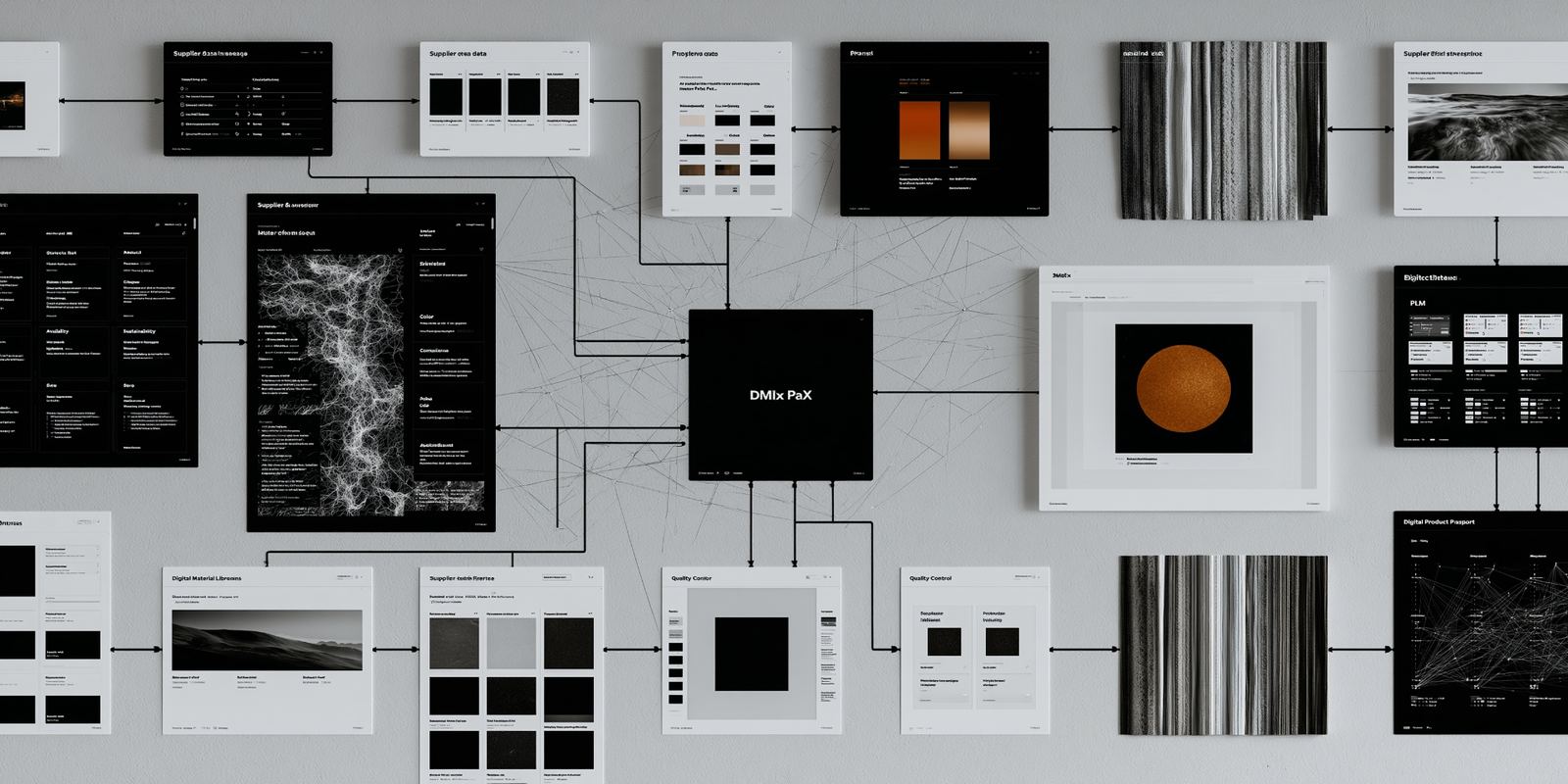
From every tier, into DMIx, out to PLM and the consumer.
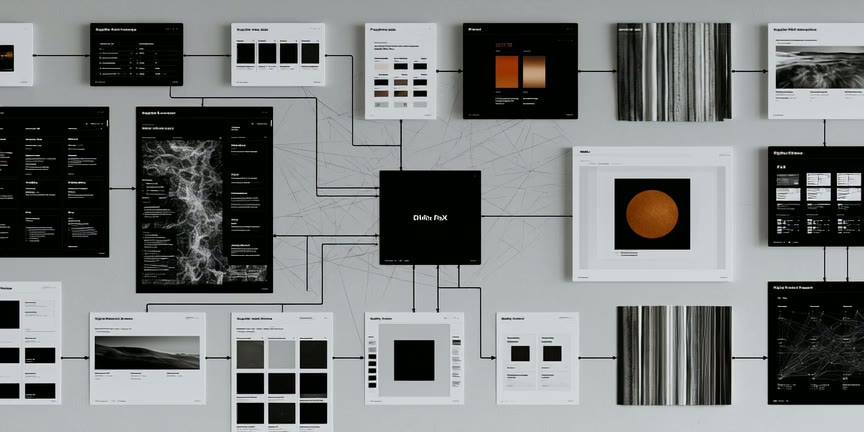
Master data flows in real time from every tier into DMIx and out to PLM and the consumer.
Workflow
How DMIx PaX fits into your reality.
- 01
Set up the PaX server
A dedicated PaX server per customer, securely hosted and reachable through DMIx. - 02
Model the schema
Attributes for fabrics, trims, leather and other material types are defined per company. - 03
Link assets
PaX records connect to DMIx assets through a foreign key, directly or via Excel. - 04
Search & feed downstream
Brands search across every supplier in parallel and feed master data on to PLM, ImpAct and DPP.

Gut feeling becomes measurable product reality.
In context
Related use cases



Master DataBrand × SupplierReal-timeDPP-ready

Ready?
Experience DMIx PaX live in your own workflow.
We show you DMIx on your data, no generic pitch.