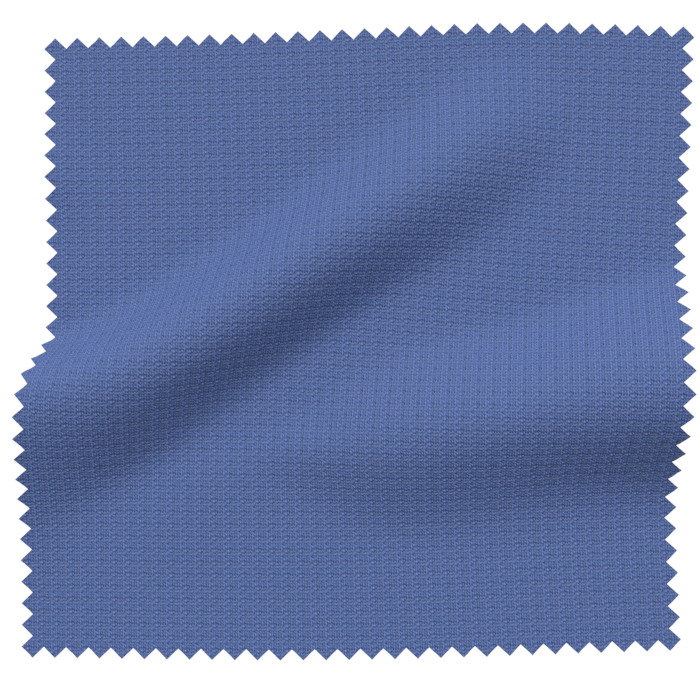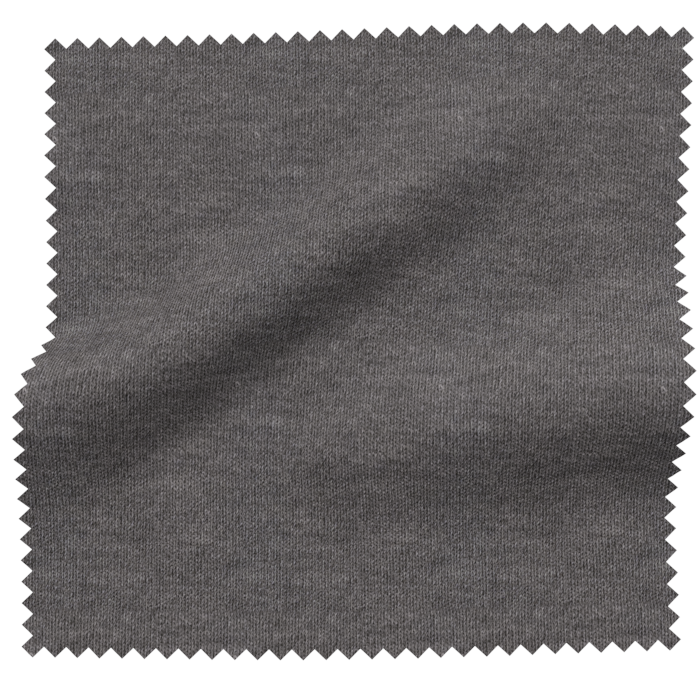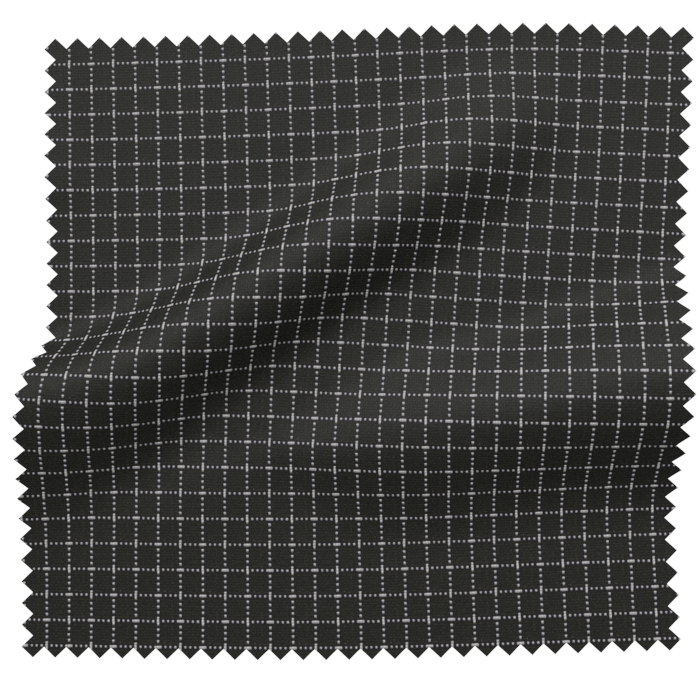
3DV-RayColor-managedAPI
Module · 3D Library

DMIx 3D Library, one source for color-managed 3D assets.

V-Ray previews, real-time viewer and master data, fed by DMIx SamplR and Vizoo xTex, delivered into CLO3D, Browzwear and Style3D.

Rolar
Benefícios

O que 3D Library torna possível.

  • 01Assets from any source in one library
    Existing inventories arrive via bulk upload, new materials come straight from the physical sample through DMIx SamplR or Vizoo xTex. No matter the source, everything lands in the same validated library and is then available inside CLO3D, Browzwear and Style3D as well.
  • 02Color-managed V-Ray previews and a real-time 3D viewer
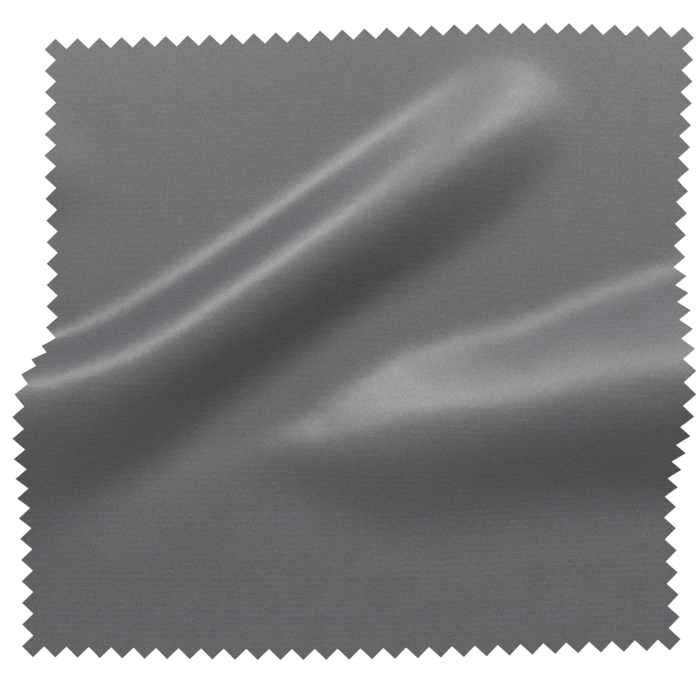
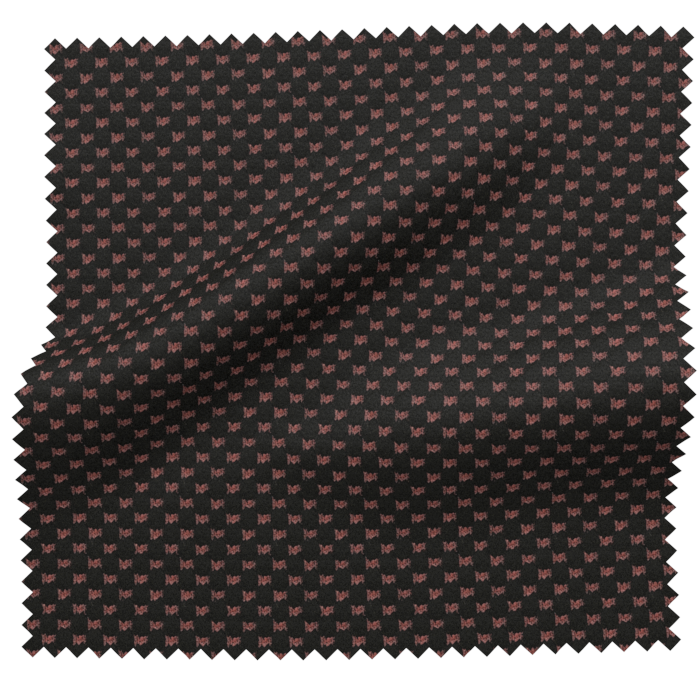
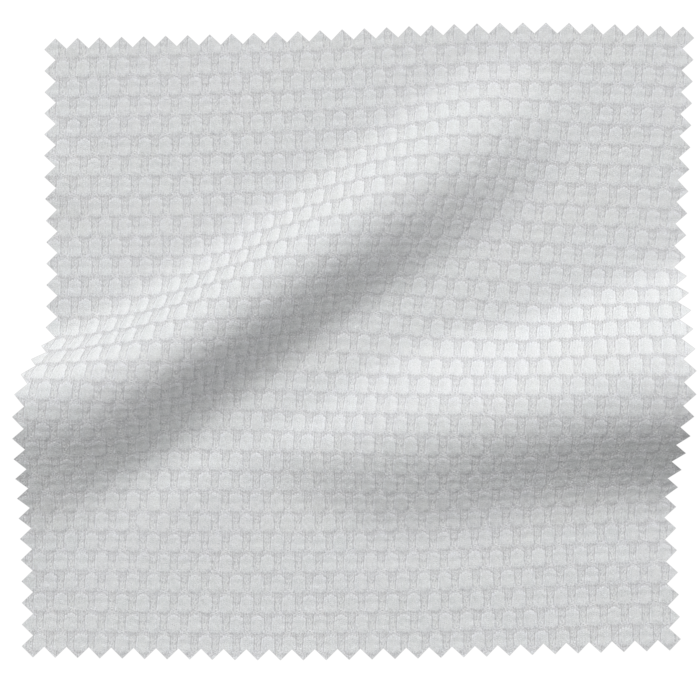
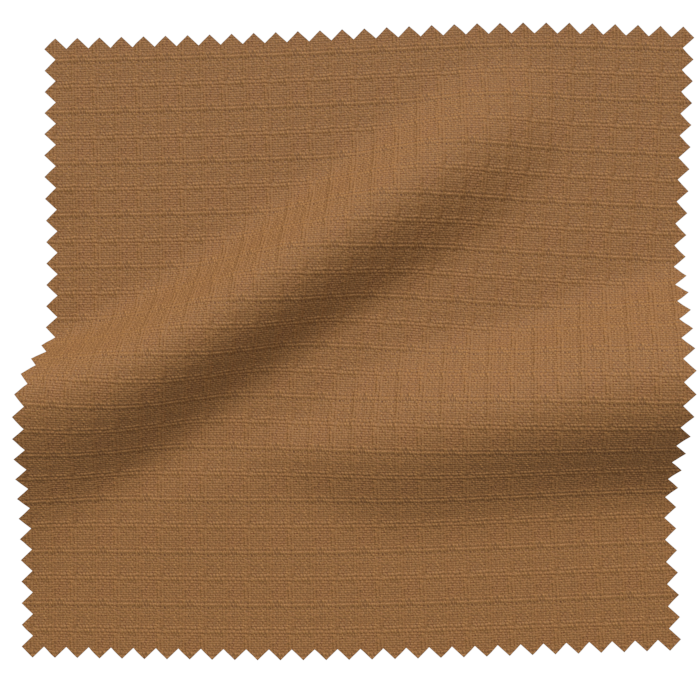
    Every asset automatically gets a color-managed V-Ray preview in production quality, reviewable in the real-time 3D viewer in the browser. Selection, approval and sales use happen without special software and without manual rendering.
  • 03Automatic scaling and indexing
    Textures are scaled to the size of the physical sample, assets are indexed by color and master data. Teams filter by hue, material, supplier and season, instead of searching by filename.
  • 04Organization in folders, collections and multi-object scenes
    Folders, collections and multi-object/texture scenes mirror real ranges, capsules and setups. What's stored once as a scene gets reused, instead of being rebuilt every time.
  • 05Sharing via viewer, Company Connect and API
    Assets can be shared with specific users, groups and suppliers connected via Company Connect. Via API, the same data flows into PLM, PIM, DAM and e-commerce, in variable formats and with an audit trail.
Four steps

From sample to shared asset.

  1. Scan or upload
  2. Preview / render
  3. Asset
  4. Share / export
01
ScanorUpload

Scan or upload

Scan materials straight from the physical sample with DMIx SamplR or Vizoo xTex, or import existing inventories via bulk upload.

Ingestion

Assets from every source, one validated library.

Whether scanner or hardware partner, every path lands in the same color-managed library. Content is validated on import, indexed and enriched with master data.

01

Bulk upload

Thousands of textures, materials and 3D objects in one go with automatic validation.

02

DMIx SamplR

Textures from the scanner flow directly into the library, color-managed, with no intermediate step.

03

Vizoo xTex

Support for Vizoo xTex hardware, calibrated material scans as native input.

Module bridge
Plug into your library

3D Library + SamplR

The SamplR scanner sits in the sample room, not in a 3D studio. Anyone can scan, no 3D expertise required. PBR textures, behavior videos and master data land color-managed in the 3D Library, with no intermediate step.

Instead of physical sample rounds between brand, supplier and studio, you get a verified asset within minutes, ready for renders, CAD and sales use.

Color-managedPBR and videoStraight into the library
View the SamplR module
Color-managed pipeline

From scan to render in true color.

Every step in the library is color-accurate, from physical sample to finished V-Ray image. The digital material looks like the real one, in design, sales and e-commerce.

  • 01Spectral color base instead of RGB guesswork
  • 02Calibrated textures with physical size
  • 03Automatic V-Ray rendering for previews
  • 04Color-managed output on calibrated displays
  • 05Consistency across online, showroom and print
Preview and viewer

Sales imagery and inspection without specialist software.

Every texture and every scene has a V-Ray preview and a real-time 3D viewer in the browser. Sales, buying and partners inspect materials, rotate, zoom and compare variants, without ever opening a 3D tool.
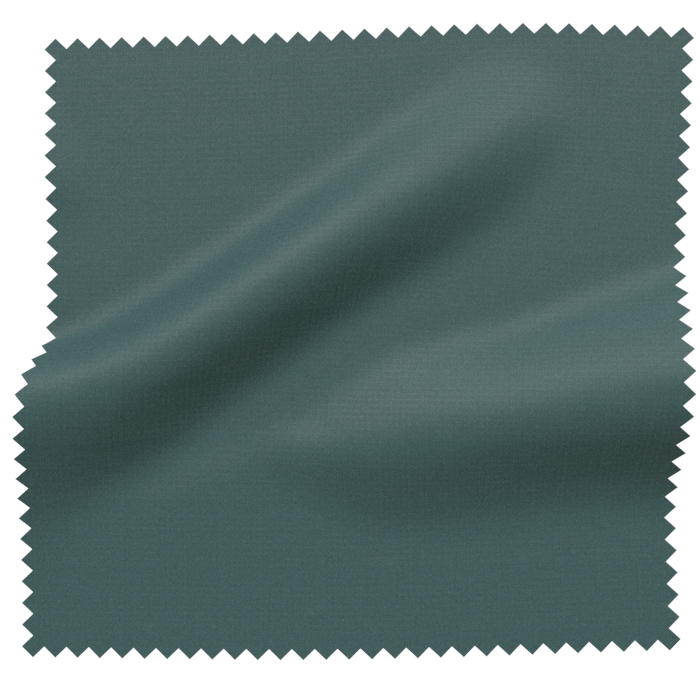
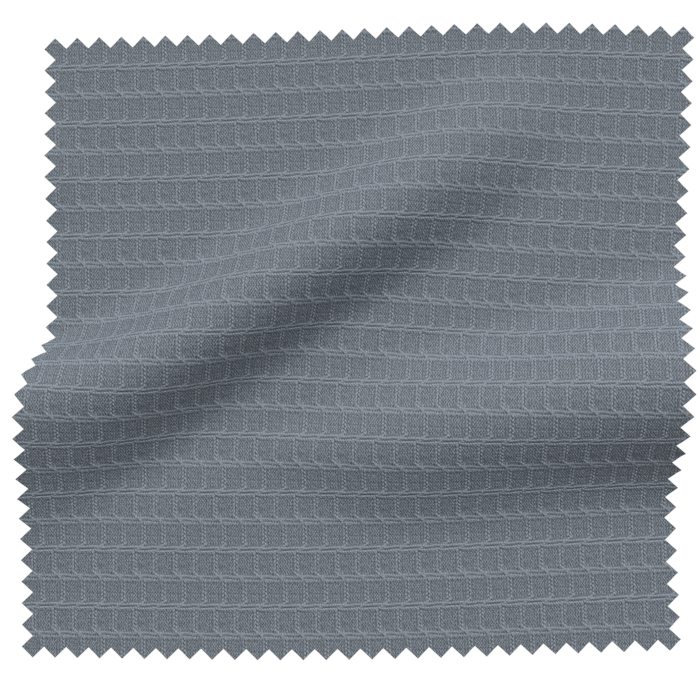
V-Ray renderBrowser viewerRotate and zoomVariant comparisonPose and lightBackground

One material, validated once. Usable everywhere.

Scaling and indexing

Data that sorts itself.

On import every texture is automatically scaled to the physical size of the sample and indexed by color, material and master data. Search and filter replace folder archaeology.

Without the library
  • ·Search by file name
  • ·Manual scaling in Photoshop
  • ·Wrong tiling in renders
  • ·No filter by color or material
  • ·Duplicate assets in every folder
With the library
  • ·Automatic scaling to physical size
  • ·Automatic color and master-data indexing
  • ·Filter by material, supplier, season, compliance
  • ·Full-text and attribute search
  • ·One asset, many referenced uses
Organisation

From single asset to story.

Folders, collections and complete scenes with multiple objects and textures, all reusable. Built once, deployed in many contexts.

01

Folders

Classic structure for teams, seasons or suppliers, with rights and audit.

02

Collections

Curated sets for capsules, pitches, reviews, independent of physical storage location.

03

Multi-object scenes

Complete outfits, configurator stages, material setups, as reusable 3D scene.

Sharing, Company Connect, API

Where your assets need to land.

Assets reach users, groups and connected companies through Company Connect, under control. Through the partnerships with CLO3D, Browzwear and Style3D, materials land straight inside the designers' 3D CAD tools. Variable downloads for different tools, with rights and audit log. Through the API, assets flow on into PLM, PIM, DAM, configurators, AR and e-commerce.

Company Connect·API
  • 01Users and user groups
  • 02Company Connect to partner companies
  • 033D CAD: CLO3D, Browzwear, Style3D
  • 04Variable download formats per tool
  • 05API to PLM, PIM, DAM
  • 06Configurator, AR, e-commerce
  • 07Rights and audit log across every path

A intuição transforma-se em realidade de produto mensurável.

Em contexto

Casos de uso relacionados

3DV-RayColor-managedAPI
Pronto(a)?

Experimente 3D Library ao vivo no seu próprio fluxo de trabalho.

Mostramos a você o DMIx nos seus dados, sem apresentações genéricas.